
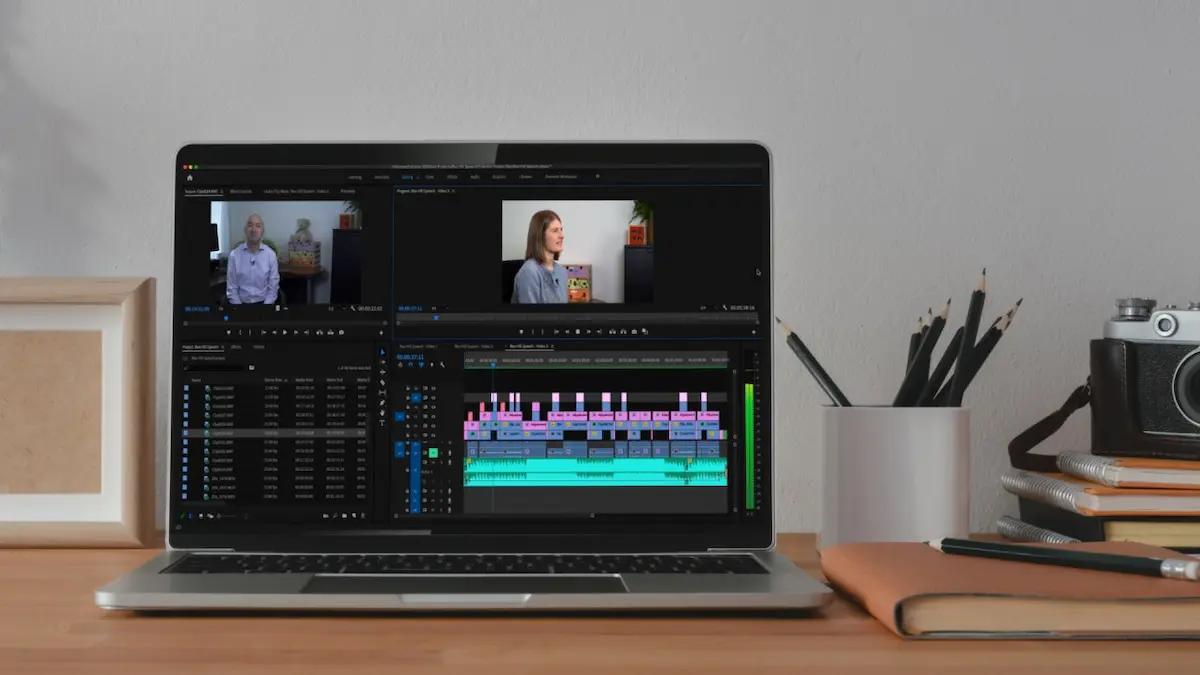
If you are wondering how to make edits, you are in the right place. Whether you want to edit a document, photo, video, PDF file, or social media post, learning basic editing skills can make your work easier and more professional. You do not need to be an expert or have expensive software to get started. With the right tools and a little practice, you can make different types of edits using your computer, laptop, or smartphone.
In this guide, we will explain how to make edits step by step, which tools you can use, and how beginners can improve their editing skills.
What Does Making Edits Mean?
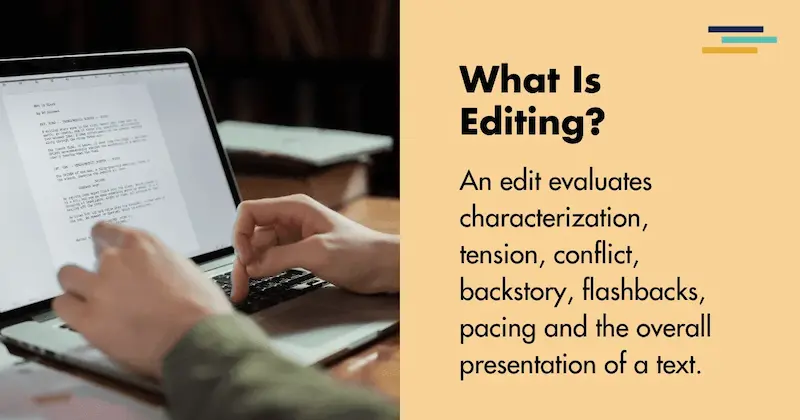
Making edits means changing, improving, correcting, or updating existing content. The type of editing depends on what you are working on.
For example, you might edit a document to correct spelling mistakes, edit a photo to improve its appearance, or edit a video to remove unwanted parts.
Some common types of editing include:
- Text editing: Correcting sentences, changing words, and improving written content.
- Photo editing: Adjusting brightness, colors, backgrounds, and image quality.
- Video editing: Cutting clips, adding music, inserting transitions, and including text.
- PDF editing: Adding text, highlighting information, signing documents, and updating content.
- Audio editing: Removing background noise, cutting recordings, and improving sound quality.
How to Make Edits on a Computer or Laptop
If you use a computer or laptop, you can easily edit different types of files with the right applications.
Here are some simple steps to follow.
1. Choose the Right Editing Software
First, decide what type of content you want to edit. Different editing tasks require different software.
Here are some popular options:
- Microsoft Word for editing documents.
- Adobe Acrobat for editing PDF files.
- Canva for editing images and designs.
- CapCut for editing videos.
- Audacity for editing audio recordings.
Choose software that matches your requirements. If you are a beginner, start with a simple application.
2. Open the File You Want to Edit
After choosing your software, open the file you want to change.
For example, if you want to edit a document, open Microsoft Word and select your file. If you want to edit a photo, open it in an image editing application.
Make sure you select the correct file before making any changes.
3. Make Your Required Changes
Now you can start editing.
Depending on your project, you can:
- Add new text or remove unnecessary information.
- Correct spelling and grammar mistakes.
- Change fonts, colors, and formatting.
- Crop or resize images.
- Remove unwanted video sections.
- Add effects, transitions, or background music.
Take your time and review each change to make sure everything looks correct.
4. Save Your Edited File
Once you finish editing, save your work.
Most applications allow you to use the Save or Save As option. If you want to keep your original file unchanged, choose Save As and create a new copy.
This is a helpful habit because you can always return to the original version if something goes wrong.
How to Make Edits on a Mobile Phone
You do not always need a laptop or computer to edit files. Many smartphones offer useful editing tools that allow you to make changes quickly.
Follow these steps:
- Open the application you want to use.
- Select the photo, video, PDF, or document.
- Choose the editing option.
- Make the changes you need.
- Preview your edited content.
- Save or export the final version.
For example, you can use Canva for graphic design, CapCut for video editing, and Google Docs for editing documents.
Best Tools to Make Different Types of Edits
Choosing the right tool can save you time and help you achieve better results.
Here are some useful editing applications for beginners.
Microsoft Word
Microsoft Word is a popular tool for editing written documents. You can use it to correct mistakes, change formatting, add images, create headings, and organize information.
It is especially useful for students, office workers, bloggers, and people who regularly work with documents.
Canva
Canva is a beginner-friendly design platform. It allows you to edit photos, create social media graphics, design presentations, and make posters.
You can use its ready-made templates to create attractive designs without advanced graphic design knowledge.
CapCut
CapCut is a useful video editing application. You can trim clips, add subtitles, insert music, apply filters, and create transitions.
It is a popular choice for people who make videos for social media platforms.
Adobe Acrobat
Adobe Acrobat provides tools for working with PDF documents. Depending on your version and subscription, you can edit text, add comments, highlight information, insert signatures, and organize PDF pages.
Google Docs
Google Docs is another useful option for editing documents. You can write, edit, format, and share files online.
It also allows multiple people to work on the same document, making it useful for teamwork and collaboration.
You may also like to read this:
How To Edit Videos on iPhone: Easy Beginner’s Guide
Gemini Photo: Create and Edit Stunning AI Images
How To Edit PDF File in Phone for Free on Android & iPhone
How To Edit PDF in Laptop For Free: Complete Guide
How to Make Edits Look Professional
Making basic changes is easy, but creating professional-looking results requires attention to detail.
Here are some tips that can help you improve your editing work.
Keep Your Work Simple
Avoid adding too many effects, colors, fonts, or transitions. Simple editing often looks cleaner and more professional.
Check for Mistakes
Always review your work before saving or sharing it. Look for spelling errors, incorrect information, unwanted spaces, and formatting problems.
Use High-Quality Images
If you are editing photos or creating designs, use clear and high-resolution images. Poor-quality pictures can make your final project look unprofessional.
Save Your Original Files
Keep a copy of your original content before making major changes. This gives you the option to start again if you are not happy with the results.
Practice Regularly
The easiest way to become better at editing is through regular practice. Start with small projects and gradually try more advanced editing techniques.
Common Editing Mistakes Beginners Should Avoid
If you are new to editing, you might make a few mistakes. However, understanding them can help you improve.
Some common mistakes include:
- Using too many visual effects.
- Forgetting to save edited files.
- Choosing low-quality images.
- Ignoring spelling and grammar errors.
- Making unnecessary changes to original content.
- Using complicated software without learning its basic features.
- Sharing files without checking the final version.
Try to avoid these mistakes to make your editing process smoother.
Can You Make Edits Without Installing Software?
Yes, you can make edits without installing software on your device. Several online tools allow you to edit files directly through your web browser.
For example, online design platforms provide graphic editing tools, document editors allow you to make changes to written content, and browser-based PDF editors offer basic PDF editing features.
You only need an internet connection and a compatible browser to use many of these services.
However, some advanced features may require a paid subscription or account.
Why Is Learning Editing Important?
Editing is a useful skill for both personal and professional activities. It helps you improve the quality of your work and present information more clearly.
For students, editing makes assignments and presentations better. For bloggers and content creators, it helps produce attractive articles, images, and videos. For office workers, editing makes documents easier to understand and share.
Learning basic editing skills can also save time because you do not need to depend on someone else for every small change.
Final Thoughts
Learning how to make edits is not difficult when you understand the basic steps and choose the right tools. Whether you want to edit documents, photos, videos, or PDF files, many beginner-friendly applications are available for computers, laptops, and smartphones.
Start with simple editing tasks, explore different features, and practice regularly. Remember to review your work and save your original files before making major changes. With time and experience, you can develop better editing skills and create professional-looking results.
Frequently Asked Questions (FAQs)
1. How to make edits for beginners?
Beginners can make edits by choosing a suitable editing application, opening the file, making the required changes, and saving the updated version. Start with simple tools such as Microsoft Word, Canva, or CapCut.
2. How can I make edits on my laptop?
You can make edits on your laptop by installing or opening editing software. Choose an application based on your needs, open your file, make changes, and save your work.
3. How to make edits on a mobile phone?
You can use mobile applications such as Canva, CapCut, and Google Docs to edit photos, videos, and documents directly from your smartphone.
4. Which software is best for making edits?
The best software depends on the type of editing you want to do. Microsoft Word is useful for documents, Canva for graphic design, CapCut for videos, and Adobe Acrobat for PDF files.
5. Can I make edits online for free?
Yes, several online editing tools offer free features. You can use browser-based applications to edit documents, photos, videos, and PDF files without installing software.
