
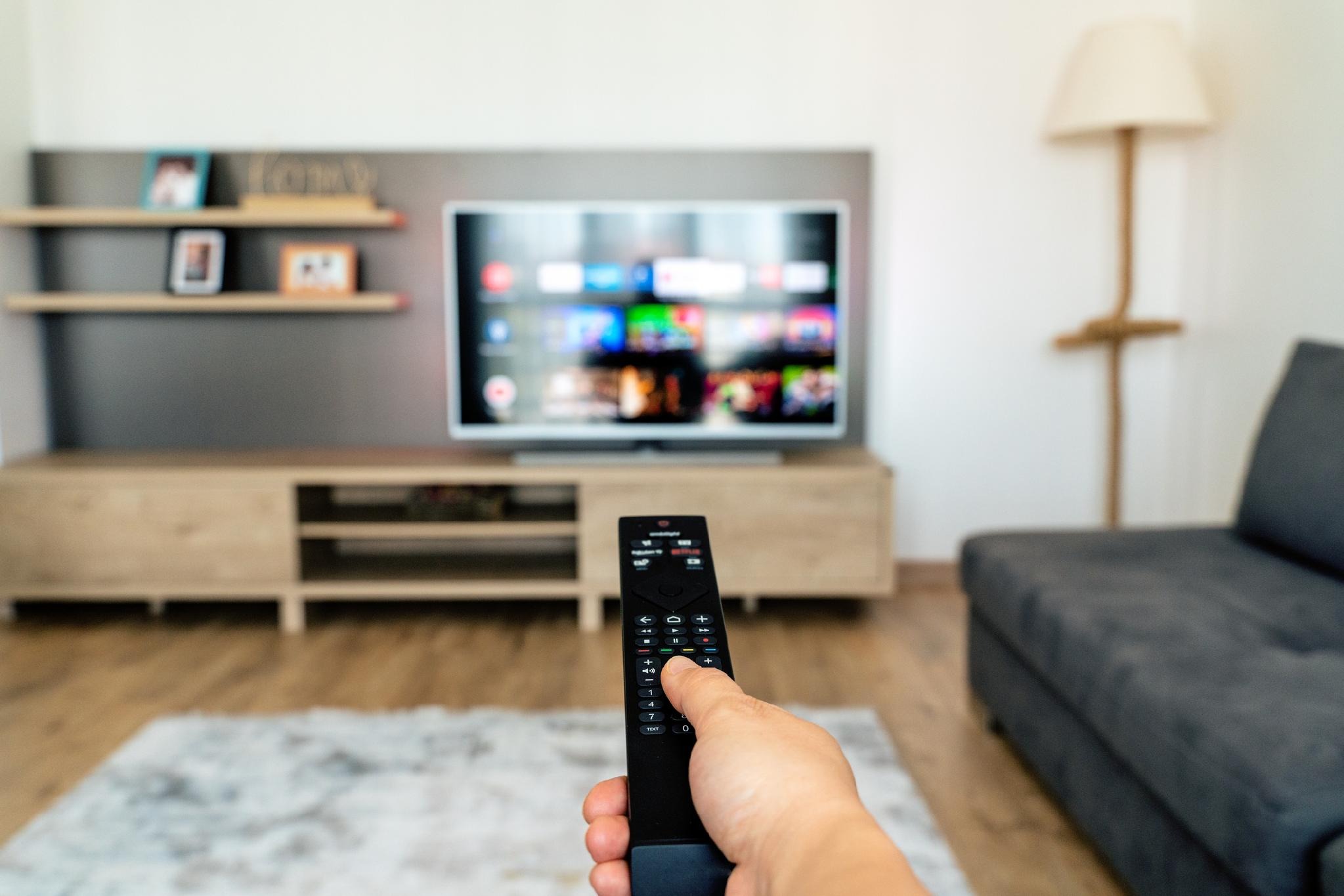
Setting up IPTV UK is simple. If you can install an app and type in a few details, you can usually start watching soon after payment. This guide explains the process step by step, from choosing a plan to watching on your Firestick, Smart TV, phone, or computer.
How It Works in Five Simple Steps
The setup process for iptv uk follows the same basic pattern on most devices. First, choose a plan on the website. Second, complete the payment and wait for activation, which takes within 1 to 5 minutes after payment. Third, check your email for your login details, your M3U playlist link, and your setup instructions. These details may also be sent via WhatsApp. Fourth, install a compatible IPTV player app. Fifth, enter the details from your email into the app and start watching.
Choose a Plan and Get Your Details
Visit the website and look at the available plans. Pick the one that fits how long you want to use the service. After payment, your account is activated within 1 to 5 minutes. You will then receive your login details, your M3U playlist link, and setup instructions by email. The same information can also be shared via WhatsApp. Do not share these details, because they belong to your account. If the email has not arrived after a few minutes, check your spam or junk folder first. There is no automatic renewal, so you stay in control of when you want to continue.
Set Up IPTV UK on Firestick and Fire TV
Firestick and Fire TV are popular choices because they are easy to use and work well with a television. Make sure your Firestick is connected to your television and to the internet. Then install a compatible IPTV player app. Open the app and look for the option to add a playlist or enter login details. Type in the details from your email, including your M3U playlist link where asked. Save the settings and let the app load the channels. Once the list has loaded, browse the channels and start watching. HD, FHD, and 4K are available where supported, depending on your device and connection.
Set Up IPTV UK on a Smart TV
A Smart TV is a good option if you want to watch on a bigger screen without an extra device. Open the app store on your Smart TV and install a compatible IPTV player app. Open the app, then enter the login details and M3U playlist link from your email. Save the settings and wait for the channels to load. Some Smart TVs also support an electronic programme guide, known as EPG, where available. If your television does not have the app you need in its store, check the site for guidance or ask support which option works best for your model.
Set Up IPTV UK on Your Phone, Tablet, and Computer
You can also watch on Android phones and tablets, iPhone and iPad, Windows PC, and Mac. On a phone or tablet, install a compatible IPTV player app from your usual app store. Open the app, enter the details from your email, and let the channels load. On a computer, install a compatible player for Windows or Mac, then enter the same details in the same way. Make sure your device has a stable internet connection, because a weak connection can cause buffering or lower picture quality. HD, FHD, and 4K are available where supported, depending on your device and connection.
What to Do If You Get Stuck
Most setup problems have a simple cause. First, double-check that you typed your login details and M3U link exactly as shown in your email. A small typing mistake can stop the channels from loading. Second, check your internet connection, then restart your device and the app. Third, make sure you are using a compatible IPTV player app. If the channels still do not load, contact support for help. Support is available 24/7 via live chat, email, and WhatsApp, so you can ask for help at any time.
Start Watching with Confidence
Setting up iptv uk is simple once you know the order: choose a plan, receive your login details and M3U link by email, install a compatible player, enter your details, and start watching. It works on Firestick, Fire TV, Smart TV, Android, iPhone, iPad, Windows PC, and Mac, so you can pick the screen that suits you best. With EPG support where available and 24/7 support by live chat, email, and WhatsApp if you get stuck, most people can complete the setup without stress.
