
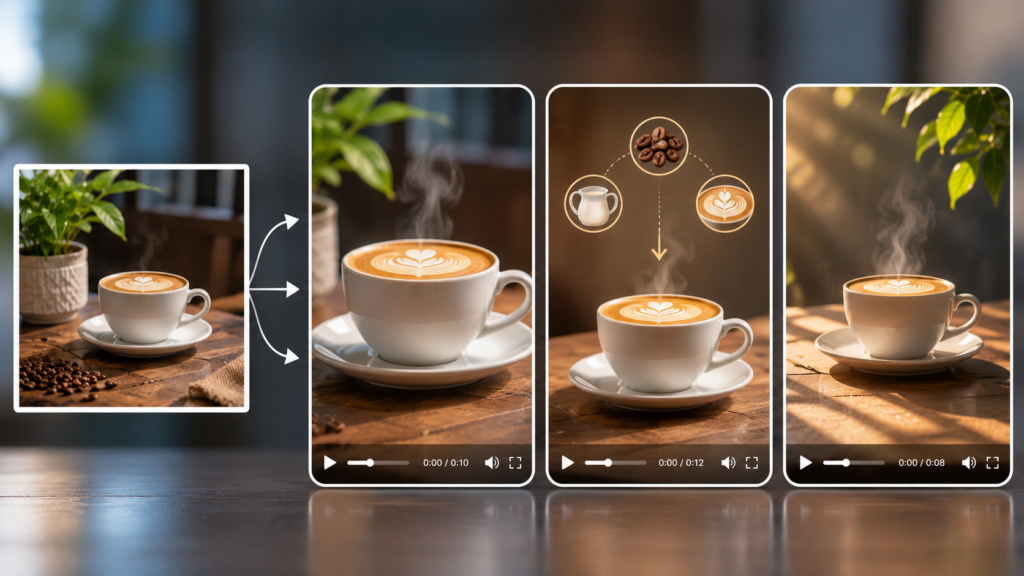
One original photo can support three different short videos when each version has a separate purpose: attract attention, explain an idea, or create atmosphere. The key is to vary the motion and message—not simply export the same animation in several aspect ratios.
Start with a Strong Source
Choose a sharp image with one clear subject and enough space for movement or captions. Product photos should preserve accurate shapes, labels, and colors. Portraits require permission from the person shown, while stock images should allow modification and commercial use.
An AI photo-to-video generator can animate a portrait, product image, landscape, or illustration from a written motion prompt. Describe visible action rather than general mood. “The camera moves slowly toward the cup while steam rises” gives clearer direction than “make it exciting.”
Create Three Different Jobs
The first video can be a short reveal. Begin with a wide view, introduce one movement, and end on the most important detail.
The second can explain something. Use slower motion, leave room for one concise caption, and make the final frame suitable for a clear next step.
The third can build atmosphere. Animate light, weather, fabric, water, or background elements while keeping the main subject stable. This version can support a story, introduction, or campaign theme without repeating the product-focused edit.
Review Before Publishing
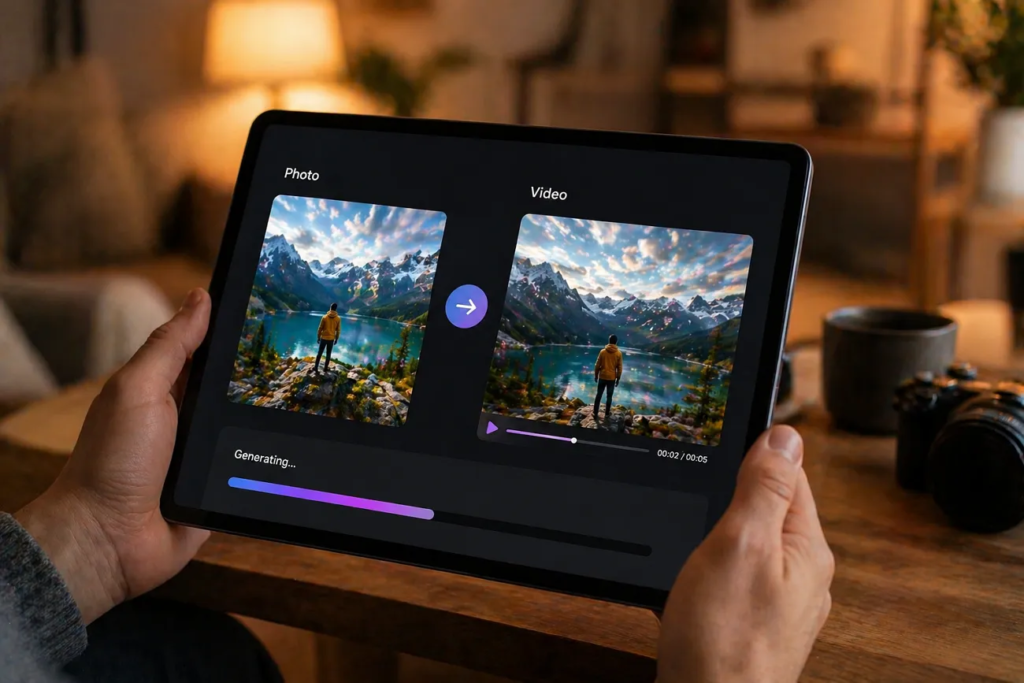
Generate a short test before making longer versions. Check the opening frame, largest movement, and final pose. Reject outputs that distort faces, text, products, or important background details.
Export only the aspect ratios required by the publishing plan. Watch every clip once with sound and once muted, keep captions inside safe areas, and label realistic AI-generated material when viewers could misunderstand it.
A single photo becomes valuable content through clear creative roles, careful review, and purposeful reuse—not through producing endless variations.
