
Introduction
Short videos have become an important part of online content. Instagram Reels, TikTok, and YouTube Shorts allow creators, businesses, educators, and brands to share ideas quickly and reach new audiences.
However, publishing a short video does not automatically make it engaging. People scroll through a large amount of content every day. A video needs to communicate its purpose quickly, maintain attention, and provide a reason to keep watching.
Good editing can help, but engagement usually begins before the editing process.
The strongest short videos often have a simple structure:
- A clear idea
- An interesting opening
- Easy-to-follow information
- A focused pace
- A useful or memorable ending
You do not need expensive equipment or advanced editing skills to create better videos. A clear strategy and a repeatable workflow can make a significant difference.
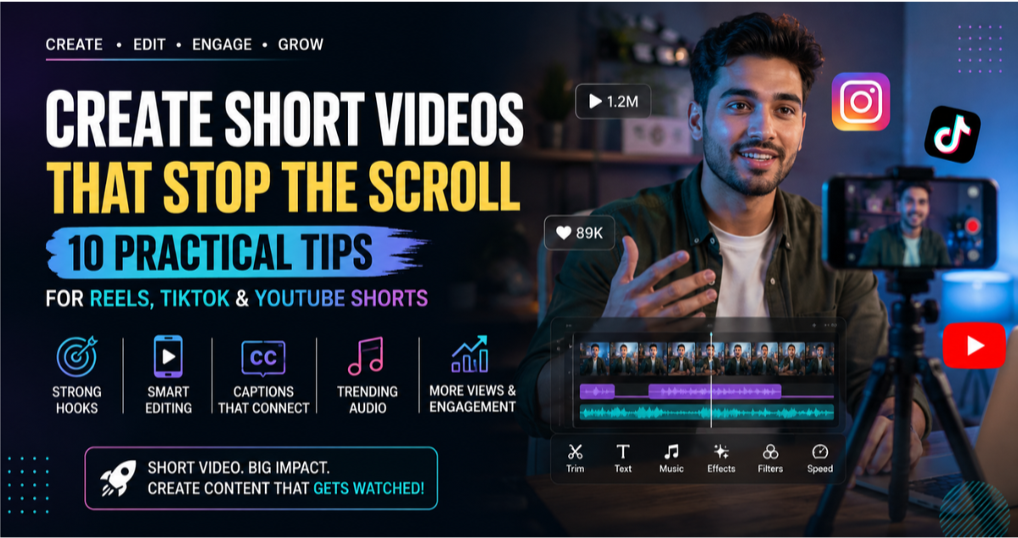
Here are 10 practical tips for creating engaging Reels, TikTok videos, and YouTube Shorts.
10 Practical Tips for Creating Reels, TikTok Videos, & YouTube Shorts
1. Start With One Clear Idea
A short video has limited time, so trying to cover too many points can make it difficult to follow.
Before recording, ask:
What is the one thing I want viewers to understand, learn, or remember?
For example, instead of creating a video about every feature in a video editor, focus on one useful topic:
- How to add captions quickly
- Three ways to improve video lighting
- One editing mistake beginners often make
- How to create a smooth transition
A focused idea makes the video easier to record and edit. It also helps viewers understand what they will gain from watching.
2. Make the First Few Seconds Useful
The opening should give viewers a reason to continue.
Many creators begin with a long greeting or introduction. That may work for an established audience, but short-form viewers often want to know quickly what the video is about.
Try opening with:
- A useful result
- A common problem
- A surprising fact
- A direct question
- A short demonstration
Examples:
- “Your videos may look less professional because of this one mistake.”
- “Here is a simple way to make captions easier to read.”
- “If your Reels are losing viewers early, check this first.”
A strong hook should match the content. Avoid making exaggerated promises that the video cannot deliver.
3. Show the Result Early
When possible, show viewers what they will learn before explaining every step.
For example, if the video teaches a transition, show the finished transition briefly at the beginning. Then explain how to create it.
This gives viewers a clear reason to continue watching.
For product demonstrations, show the result before explaining the details.
For tutorials, preview the final outcome before starting the instructions.
Showing the result early can make the video feel more focused and easier to understand.
4. Keep the Editing Focused
Good pacing does not always mean fast cuts. The goal is to remove unnecessary content while keeping the video natural.
During editing, look for:
- Long pauses
- Repeated information
- Recording mistakes
- Unrelated clips
- Slow introductions
Remove what does not support the main idea.
At the same time, do not cut every pause. A short pause can give viewers time to understand an important point.
A useful editing workflow is:
- Create the basic structure.
- Remove unnecessary sections.
- Add captions.
- Adjust the audio.
- Add simple visual elements.
- Review the complete video.
Finish the main edit before adding multiple effects.
5. Use Editing Tools That Match Your Content
The best editing tool depends on the type of video you create.
For short-form content, useful features may include:
- Video trimming
- Text and captions
- Audio controls
- Speed adjustments
- Transitions
- Filters
- Background removal
- Vertical video support
- High-quality export settings
CapCut is commonly used for short-form video editing because it provides tools for captions, effects, templates, audio, and creative video adjustments.
Creators who want to explore CapCut video editing features can review the available tools and platform options before choosing a workflow.
The goal is not to use every feature. Choose the tools that help you communicate your idea more clearly.
6. Use Captions to Improve Clarity
Captions can make videos easier to follow when viewers are watching without sound. They can also improve accessibility and help highlight important information.
For better captions:
- Use a clear font
- Keep the text large enough for mobile screens
- Break long sentences into shorter lines
- Place captions away from platform controls
- Check spelling and timing
Automatic captions can save time, but they should always be reviewed.
Names, technical terms, accents, and background noise may cause transcription errors.
Captions should support the video—not cover the entire screen.
7. Make the Video Easy to Watch on a Phone
Most short-form videos are viewed on mobile devices.
A video that looks good on a large computer screen may be difficult to understand on a phone.
Before publishing, check:
- Is the text large enough?
- Are captions covered by platform buttons?
- Is the main subject clearly visible?
- Are important details too close to the edge?
- Is the video bright enough?
Use vertical framing for Reels, TikTok, and Shorts whenever possible.
Keep important text and visual elements inside the central viewing area.
Different platforms may place buttons, captions, or account information around the edges.
Review the final video on an actual phone before publishing.
8. Use Trends Carefully
Trending sounds, effects, and editing styles can help creators discover new ideas.
However, copying every trend may make content feel unrelated to the audience.
Before using a trend, ask:
- Does it fit my topic?
- Can I add a useful or original angle?
- Will my audience understand the reference?
- Does the trend support the message?
A trend should improve the content, not replace the idea behind it.
For example, a popular sound may work well with a quick transformation video but may not fit a detailed educational tutorial.
Use trends selectively and adapt them to your own style.
9. Create a Consistent Editing Style
Consistency can make your videos easier to recognize.
You do not need to use the same colors or effects in every video, but repeating a few visual elements can create a recognizable style.
You might keep:
- Similar caption formatting
- A consistent font
- A familiar introduction style
- Similar music levels
- A repeated visual layout
This can also make editing faster because you do not need to redesign every video from the beginning.
A simple, repeatable workflow is often more useful than a complicated style that takes hours to recreate.
10. Review the Final Video Before Publishing
A final review can prevent small mistakes from reaching your audience.
Watch the video once without editing it.
Check:
- Does the opening explain the topic?
- Is the message easy to understand?
- Are captions accurate?
- Is the audio clear?
- Are there unnecessary pauses?
- Does the ending feel complete?
If possible, watch the video on a phone with the sound both on and off.
You may notice problems that were not obvious while editing.
What to Do When an App Update Changes Your Editing Workflow
Video editing apps change over time.
A new update may move a familiar tool, change the interface, remove an option, or affect how a feature works.
Before changing your workflow, check whether:
- The feature has moved to another menu
- The app requires an update or restart
- Your device meets the latest requirements
- The issue is related to a temporary bug
- The feature is available on a different platform
If a recent update causes compatibility issues or changes an important feature, some users may want to review previous versions of CapCut to see which options are available.
A Simple Workflow for Creating Short Videos
If you are a beginner, use this process:
- Choose one clear topic.
- Write a short opening hook.
- Record clean vertical footage.
- Select only the clips you need.
- Remove mistakes and unnecessary pauses.
- Add readable captions.
- Adjust voice and background audio.
- Use simple transitions where needed.
- Review the video on a phone.
- Publish and learn from the results.
Repeating the same workflow can help you create content more efficiently.
Common Mistakes That Reduce Video Engagement
a. Starting too slowly
Viewers should understand the purpose of the video quickly.
b. Adding too many effects
Effects should support the message rather than distract from it.
c. Using captions that are difficult to read
Small or crowded text can make useful information easy to miss.
d. Copying trends without context
A trend should fit your audience and topic.
e. Trying to explain too much
One clear idea is usually more effective than several incomplete ideas.
f. Ignoring audio quality
Poor audio can make viewers leave even when the video looks good.
g. Publishing without reviewing
A final check can catch caption errors, audio problems, and awkward cuts.
Final Thoughts
Creating engaging short videos is not only about using popular effects or following every trend.
The most effective videos usually have:
- A clear purpose
- A strong and honest opening
- Focused editing
- Readable captions
- Clean audio
- A consistent style
- A useful or memorable ending
Start with one idea and make it easy for viewers to understand.
As you create more videos, pay attention to which topics, hooks, and editing styles work best for your audience.
Use that information to improve your next video rather than changing everything at once.
Good short-form content is built through clear communication, thoughtful editing, and consistent practice.
